The Ultimate Guide to Fast Online Image Converters and Editors
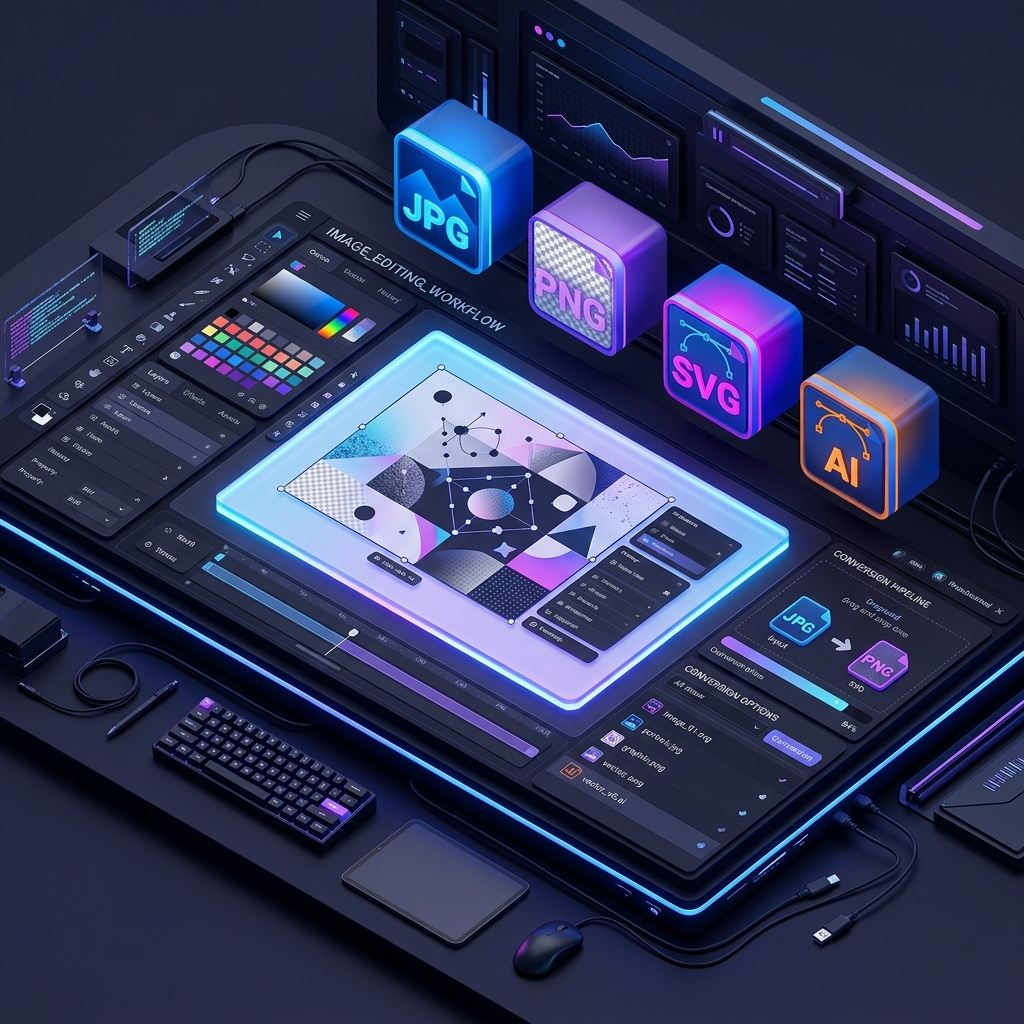
In today's fast-paced digital world, time is the most valuable asset. Whether you're a professional designer, a social media manager, or just someone trying to upload a document, struggling with heavy software like Photoshop just to convert a file is a thing of the past.
Welcome to the era of browser-based workspaces—clean, fast, and powerful environments that let you handle all your image needs in one place. In this guide, we'll explore why moving your image workflow to a unified online workspace is a game-changer for productivity.
1. The Power of a Unified Workspace
Most people waste minutes jumping between different websites: one for background removal, another for resizing, and yet another for file conversion. A unified workspace like VerifyDocs brings all these tools under one roof. This doesn't just save time; it reduces the mental friction of switching contexts.
- Zero Installation: No need to download bulky software that slows down your computer.
- Cross-Platform: Access your tools from a Mac, Windows, Linux, or even your smartphone.
- Instant Updates: You're always using the latest version of the tools without manual updates.
2. Speed: The Browser Advantage
Modern browser engines are incredibly fast. Many of the tools at VerifyDocs use client-side processing. This means your images are processed right in your browser using your computer's hardware, rather than being uploaded to a distant server. This makes the process nearly instantaneous and significantly more private.
3. Essential Tools for Every Designer
A complete image workspace should offer more than just simple conversion. Here are the pillars of a professional browser-based toolkit:
High-Quality Image Upscaling
Ever had a small logo or a blurry photo that you needed to make larger? Traditional resizing makes it pixelated. AI-powered upscaling uses deep learning to "guess" the missing pixels, resulting in sharp, high-resolution images from low-quality originals. It's like magic for your old photos.
One-Click Background Removal
Removing backgrounds used to be a tedious task involving the pen tool and a lot of patience. Now, AI models can detect the subject of an image and remove the background in seconds. This is perfect for creating product photos for e-commerce or profile pictures for social media.
Complex Format Conversion
Need to turn a professional PSD or AI file into a shareable JPG? Or perhaps you need to convert an SVG to a PNG for a presentation? Fast online converters handle these heavy lifting tasks without requiring the original design software.
4. Why Privacy Matters in Image Editing
When you use online tools, you're often trusting a third party with your personal photos or sensitive documents. This is where privacy-first tools stand out. By processing images locally in your browser (using technologies like WebAssembly), your data never leaves your device. This is the gold standard for security in 2026.
5. Optimizing Your Workflow
To get the most out of your online workspace, follow these simple tips:
- Bookmark your favorites: Keep the tools you use most just one click away.
- Use batch processing: When available, process multiple images at once to save even more time.
- Check your output settings: Always choose the right format (PNG for transparency, JPG for small file size) before downloading.
Conclusion
Fast image converters and editors aren't just utilities; they are the backbone of a modern digital workflow. By choosing a clean, unified workspace, you can focus more on creativity and less on technical hurdles. Explore the suite of tools at VerifyDocs today and experience the future of image editing.
Ready to transform your images?
Explore our full suite of professional image tools, from AI upscaling to PSD conversion, all in one clean workspace.